New: import a GitHub repository and Bugundoo maps every page and user journey. Try it
NEWMap your app from its GitHub repository

Find the bugs before your users do.

Paste your app’s address. Bugundoo clicks through every page, form and button like a real user — on Chrome, Safari and Firefox, on phones and desktops — and hands you a report with every issue ranked by priority.

Test suites in every run
13
Browser engines
5
Phones, tablets and desktops
20

Enter your app's address

Try:
  • Free
  • About 2 minutes
  • Safe mode
  • Desktop + iPhone

Clicks, forms, links, a11y, speed

Tested the way your users browse

  • Chrome
  • Safari
  • Firefox
  • Edge
  • iPhone
  • Android

What is Bugundoo, and why use it?

Try it free
P0 · BlockerSafari · iPhone 15

Tapping “Add to cart” throws a JavaScript error

TypeError: undefined is not an object

01

Bugs hide where nobody clicks

Most teams test the happy path on one laptop. Real users click everything, on every phone. Broken buttons, Safari-only crashes and forms that silently fail ship every week — and users find them first.

Mapped from your repository

pages
54
pages
features
25
features
links between pages
253
links between pages
user journeys
29
user journeys

Compared with the previous run

81 → 94

Score

0

New issues

0

Regressions

Our product

Map it, test it, rank it

Bugundoo combines a code map of your app, a tireless browser robot and a report your whole team can read — so you know what is broken, where, and what to fix first.

acme/web-app · main

  • Sign in and sign upcritical7 pages
  • Checkoutcritical3 pages
  • Exams11 pages
  • Settings6 pages

Repository mapping

Import a GitHub repo and get every page, feature, link and user journey — editable before you test.

Feature: new checkout

Passed

12

feature pages tested

0

regressions elsewhere

Feature + regression

Test the new feature first, then the whole platform, and see exactly what the release changed.

  • P0500 error after “Pay now”
  • P1Menu covers the button on iPhone
  • P2Low text contrast on 12 pages

Ranked reports

Scores, grades and P0–P4 priorities with screenshots — export to HTML, PDF, JUnit or CSV.

How it works

How Bugundoo tests your app

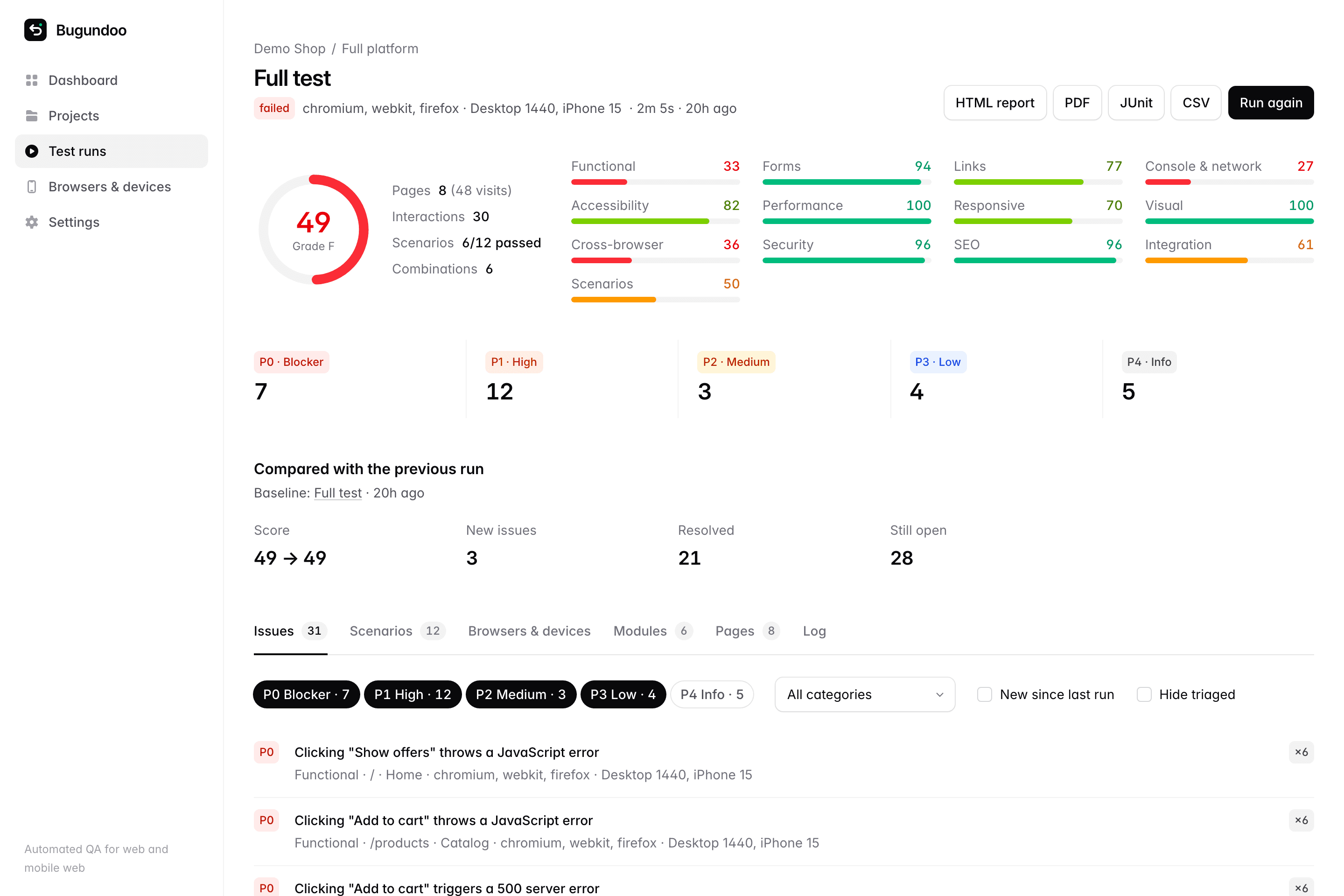
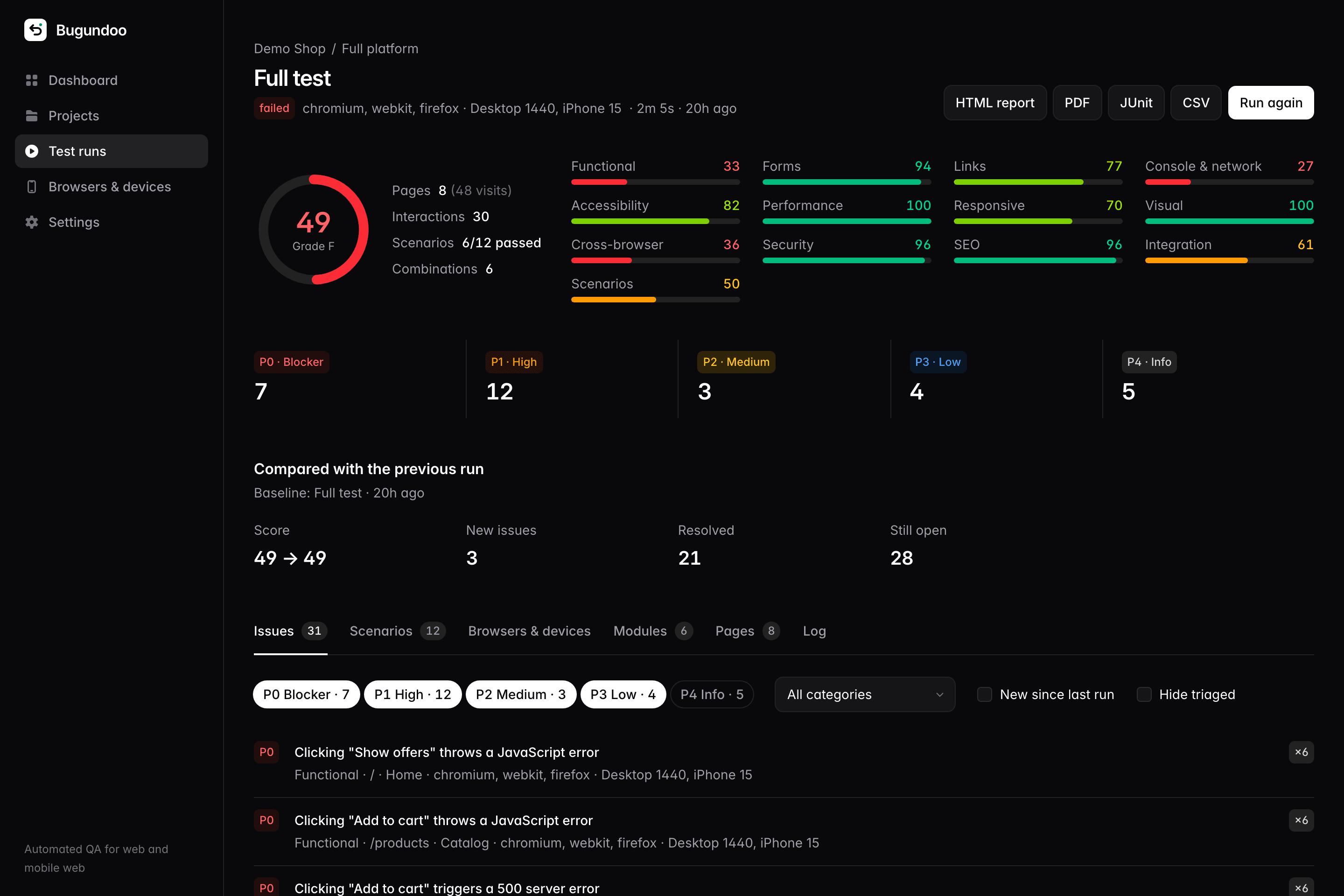
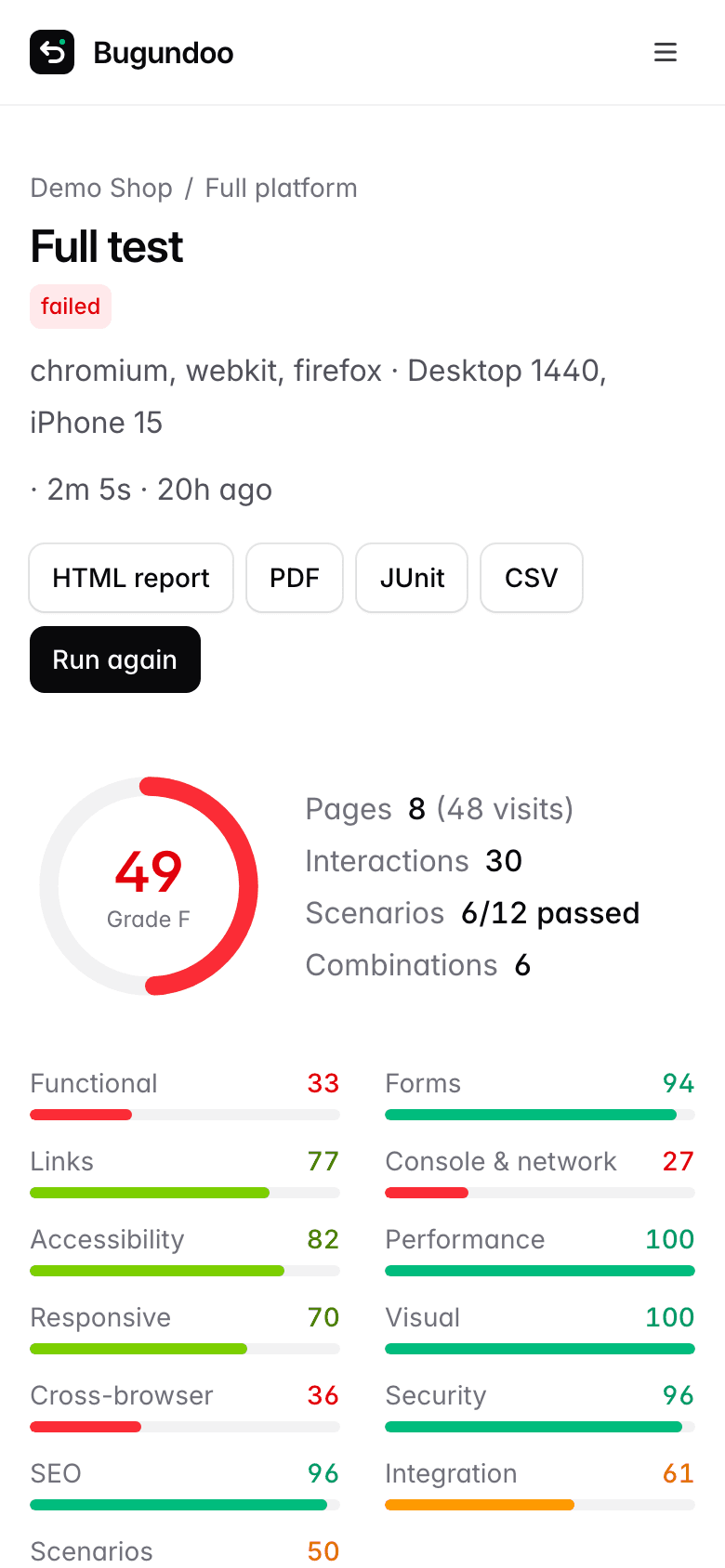
A Bugundoo run report with an overall score, scores per test suite and issues grouped by priority.A Bugundoo run report with an overall score, scores per test suite and issues grouped by priority.
  1. Bugundoo opens your app in Chrome, Safari and Firefox on phones and desktops, clicks every button, fills every form, follows every link and replays your journeys.

Works with your stack: GitHub and GitLab repositories, any CI that can run curl, JUnit test tabs, and webhooks for Slack or anything else.

Feature testing

Ship a feature. Catch what it broke.

Describe the new feature or paste its link. Bugundoo tests the feature first, then re-tests the entire platform and compares it with your last run.
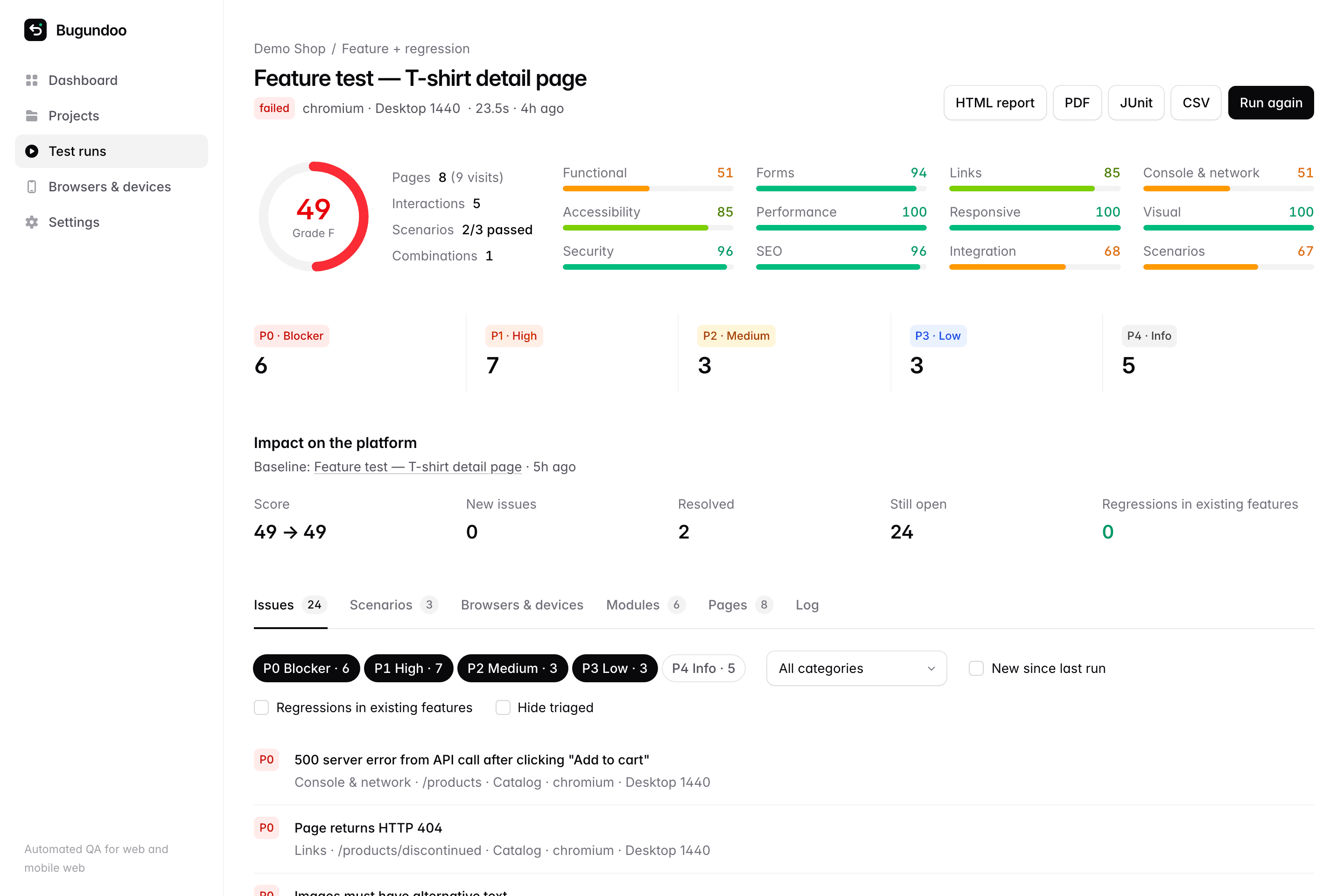
  • New, resolved and still-open issues, side by side
  • Regressions in existing features called out and bumped in priority
  • Critical modules flagged so their issues never get buried
A feature run for a new T-shirt detail page, showing zero regressions in existing features.A feature run for a new T-shirt detail page, showing zero regressions in existing features.

Every run, every check

Thirteen test suites, zero test scripts

The work of a QA team in one click — from functional bugs to accessibility, performance, security and SEO.

Interactive exploration
Clicks every control and catches JavaScript errors, dead clicks, hidden buttons and crashes.
Forms
Fills forms with realistic data and checks labels, validation and submission.
Links and navigation
Finds broken links, 404s and redirect chains across the whole site.
Console and network
Uncaught exceptions, console errors and every failing 4xx or 5xx API call.
Accessibility
A WCAG 2.2 AA audit of every page, on every device you test.
Performance
Core Web Vitals — LCP, CLS and FCP — plus TTFB, page weight and requests.
Responsive layout
Horizontal overflow, tiny tap targets and unreadable text on small screens.
Visual regression
Pixel diffs against approved baselines for each page, browser and device.
Cross-browser
Flags failures that only happen in Safari, Firefox or a single device.
Security hygiene
Security headers, cookie flags, mixed content and leaked stack traces.
SEO and metadata
Titles, descriptions, headings, canonicals and social sharing tags.
Module integration
Checks every module loads and is reachable from the rest of the product.
User journeys
Sign up, checkout, search — written by you, drafted from your code, or by AI.

Browsers and devices

Every browser your users actually have

Run the same tests across real browser engines and emulated devices at once, and see which combination breaks.

Chromium
Chrome, Edge, Opera, Samsung Internet and Brave
WebKit
Safari on macOS and every browser on iPhone and iPad
Firefox
Firefox on desktop and Android
Native apps
iOS simulators and Android emulators, in beta

Devices

  • iPhone 17 Pro Max
  • iPhone 17
  • iPhone SE
  • Pixel 10
  • Galaxy S24
  • Galaxy A55
  • Galaxy Z Fold 7
  • Galaxy Z Flip 7
  • iPad Pro 11
  • iPad Mini
  • Galaxy Tab S9
  • Desktop 1920
  • and 8 more
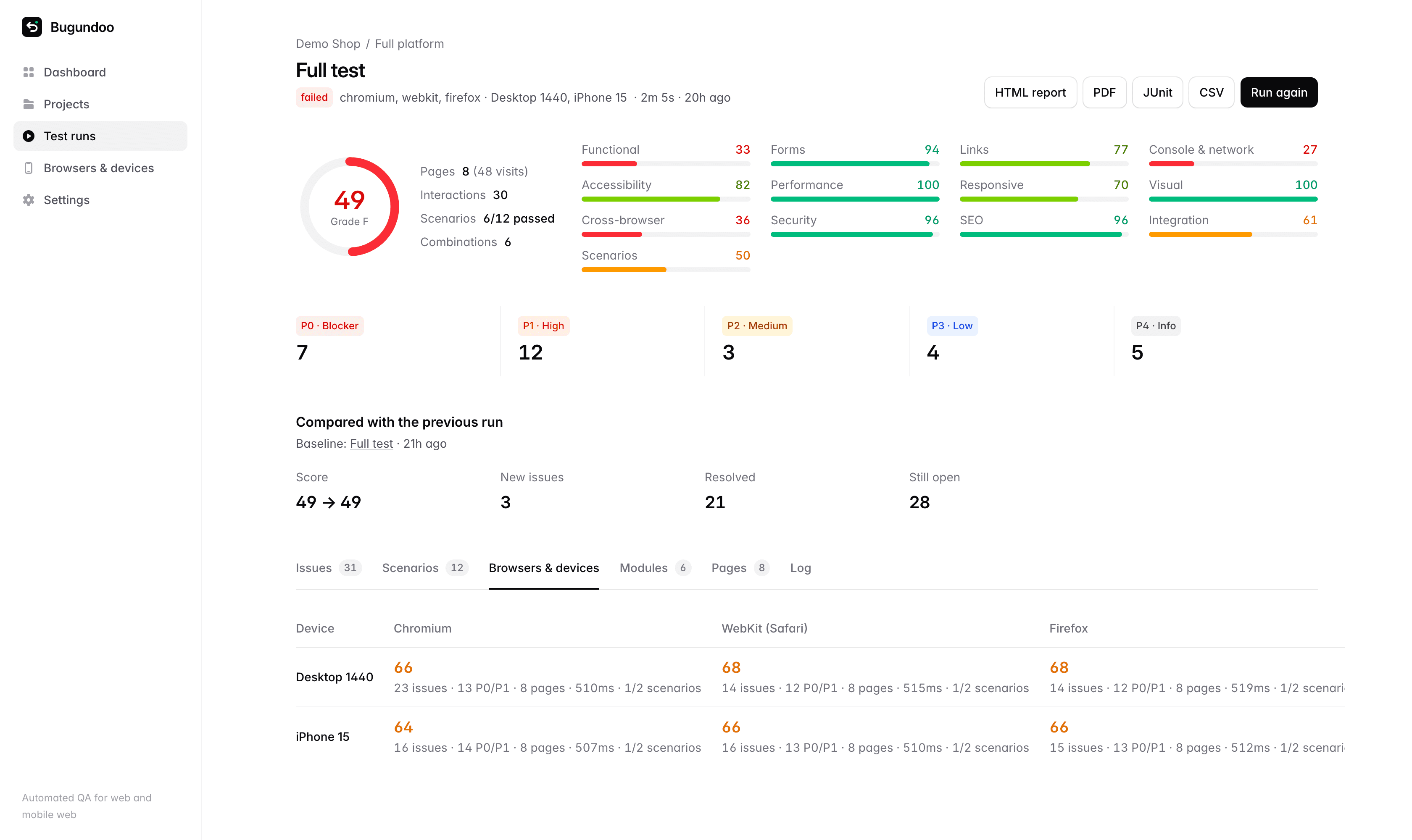
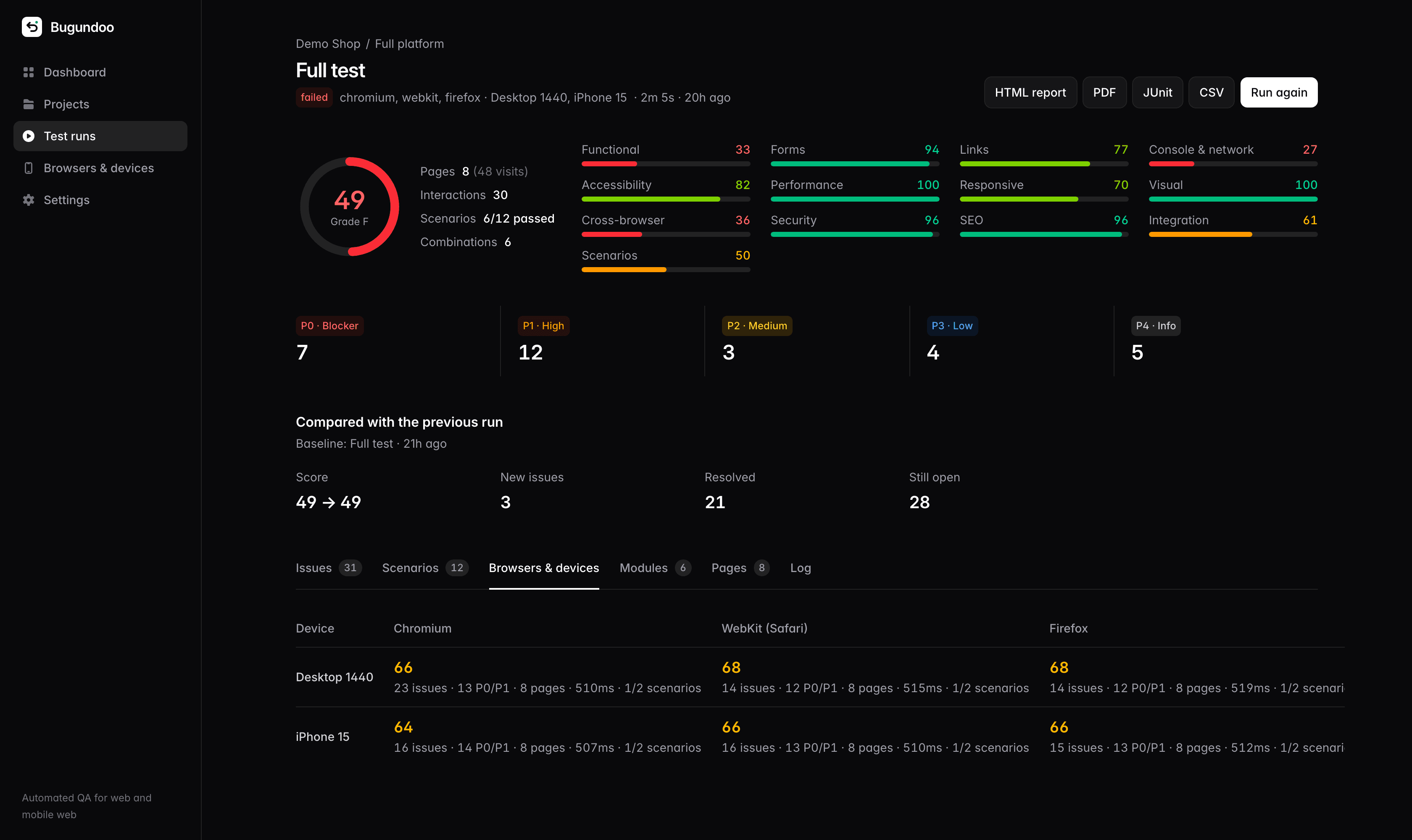
The browsers and devices grid: Chromium, WebKit and Firefox on Desktop 1440 and iPhone 15, each with its own score.The browsers and devices grid: Chromium, WebKit and Firefox on Desktop 1440 and iPhone 15, each with its own score.
A Bugundoo run report on a phone, with the overall score and per-suite scores.A Bugundoo run report on a phone, with the overall score and per-suite scores.

Reports

A report the whole team can read

One score and grade for the release, a score for each suite, and every issue ranked so engineers know what to fix first and managers know if it can ship.

P0 · Blocker
A core flow is broken — crashes, server errors, pages that do not load.
P1 · High
Users hit it often — broken links, failing forms, Safari-only bugs.
P2 · Medium
Degraded experience — slow pages, layout overflow, accessibility gaps.
P3 · Low
Polish — small tap targets, missing metadata, minor warnings.
P4 · Info
Worth knowing — best-practice hints that never fail a build.

Export as HTML, PDF, JUnit, CSV or JSON, or post every result to a webhook.

Automation

Runs on every deploy, not just when someone remembers

Trigger a run from any CI pipeline, schedule nightly regression runs, and fail the build when a blocker slips through.

  • GitHub Actions, GitLab, Jenkins or any shell
  • JUnit results in your CI test tab
  • Cron schedules per project
  • Smoke, full, feature and journey runs

deploy.sh

# Run Bugundoo after every deploy
RUN=$(curl -s -X POST $BUGUNDOO/api/projects/$PROJECT/runs \
  -H 'content-type: application/json' -H 'x-trigger: ci' \
  -d '{"type":"smoke"}' | jq -r ._id)

# Wait for the result, then publish JUnit to your CI test tab
status() { curl -s $BUGUNDOO/api/runs/$RUN | jq -r .status; }
until [[ $(status) =~ passed|failed|error ]]; do sleep 10; done
curl -s $BUGUNDOO/api/runs/$RUN/report.junit.xml -o bugundoo.xml
[ "$(status)" = passed ]

Pricing

Start free on your own machine

Self-host Bugundoo for free, forever. Hosted plans are coming soon.

Self-hosted

Run Bugundoo on your own machine or server.

$0forever

  • Unlimited apps and runs
  • All 13 test suites
  • Chromium, WebKit and Firefox
  • Repository import and journeys
  • HTML, PDF, JUnit, CSV and JSON reports

Team

Recommended

For product teams shipping every week.

$49per month

  • Everything in Self-hosted
  • Hosted runners, nothing to install
  • Scheduled and CI-triggered runs
  • AI journeys and run summaries
  • Slack and webhook alerts

Enterprise

For many apps and strict compliance needs.

Custom

  • Everything in Team
  • Private runners inside your network
  • SSO and audit logs
  • Unlimited projects and seats
  • Priority support and onboarding

FAQ

Questions, answered

Something else on your mind? Write to hello@bugundoo.com.

Do I need to add anything to my app?

No. Bugundoo tests from the outside through real browsers, the same way your users reach it. There is no SDK, script tag or code change.

Can it test localhost and staging?

Yes. A self-hosted Bugundoo opens anything it can reach — localhost, a staging server or production. For pages behind a login, add a dedicated test account and Bugundoo signs in before testing.

Will it delete data or place real orders?

Not by default. Safe mode keeps form submission off and skips any control whose label matches blocked words such as delete, pay or log out. You can also exclude whole paths, like /admin.

What does importing a repository do?

Bugundoo reads your code to find every page, groups them into features, maps the links between them and drafts user journeys to test. You review and edit everything before it becomes part of your project.

How are priorities decided?

Every issue type has a base severity, from P0 for crashes and server errors to P4 for hints. Functional issues in modules you mark as critical, and new regressions found while testing a feature, move up a level.

Does it test mobile apps?

Mobile web runs on emulated iPhones, Pixels, Galaxy phones, foldables and iPads. Native iOS and Android apps run on simulators and emulators through Appium, in beta.

What does the AI do?

With an Anthropic API key, Claude names features from your code, writes extra user journeys, and summarizes each run in plain language for the team. Everything else works without it.

Your next release, without the surprises.

Paste your app’s address and get your first report in about two minutes.